Register or Login to Hide This Ad for Free!
I'm currently using Firefox, and it won't allow me to use attachments either. In other words, it won't let you attach photos in a post.
Edit: It doesn't work in Safari either.
 
Alright so Zach screwed around with a few things and reset my read/unread posts. Seems like another normal day on the Parkfans Network.

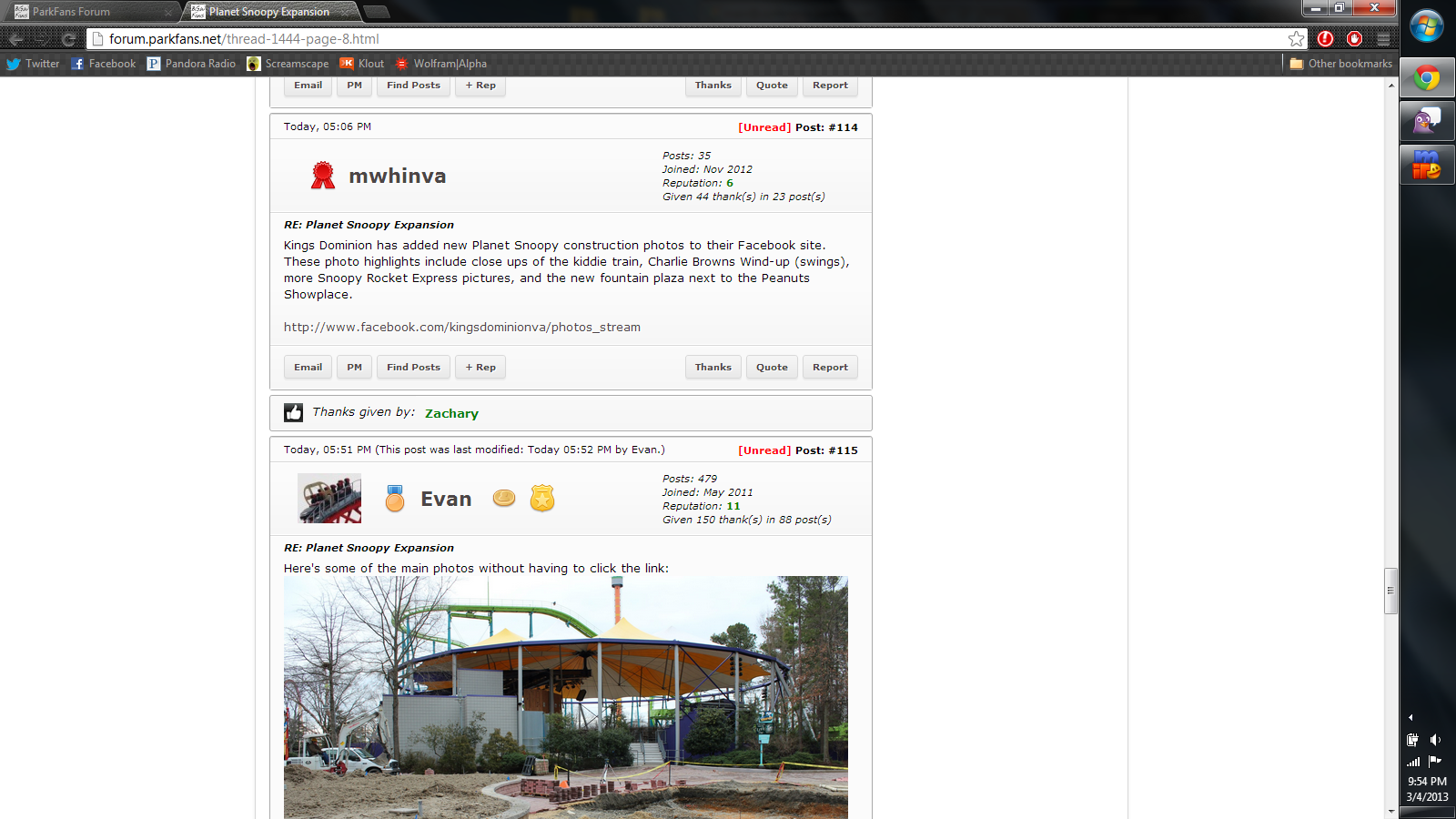
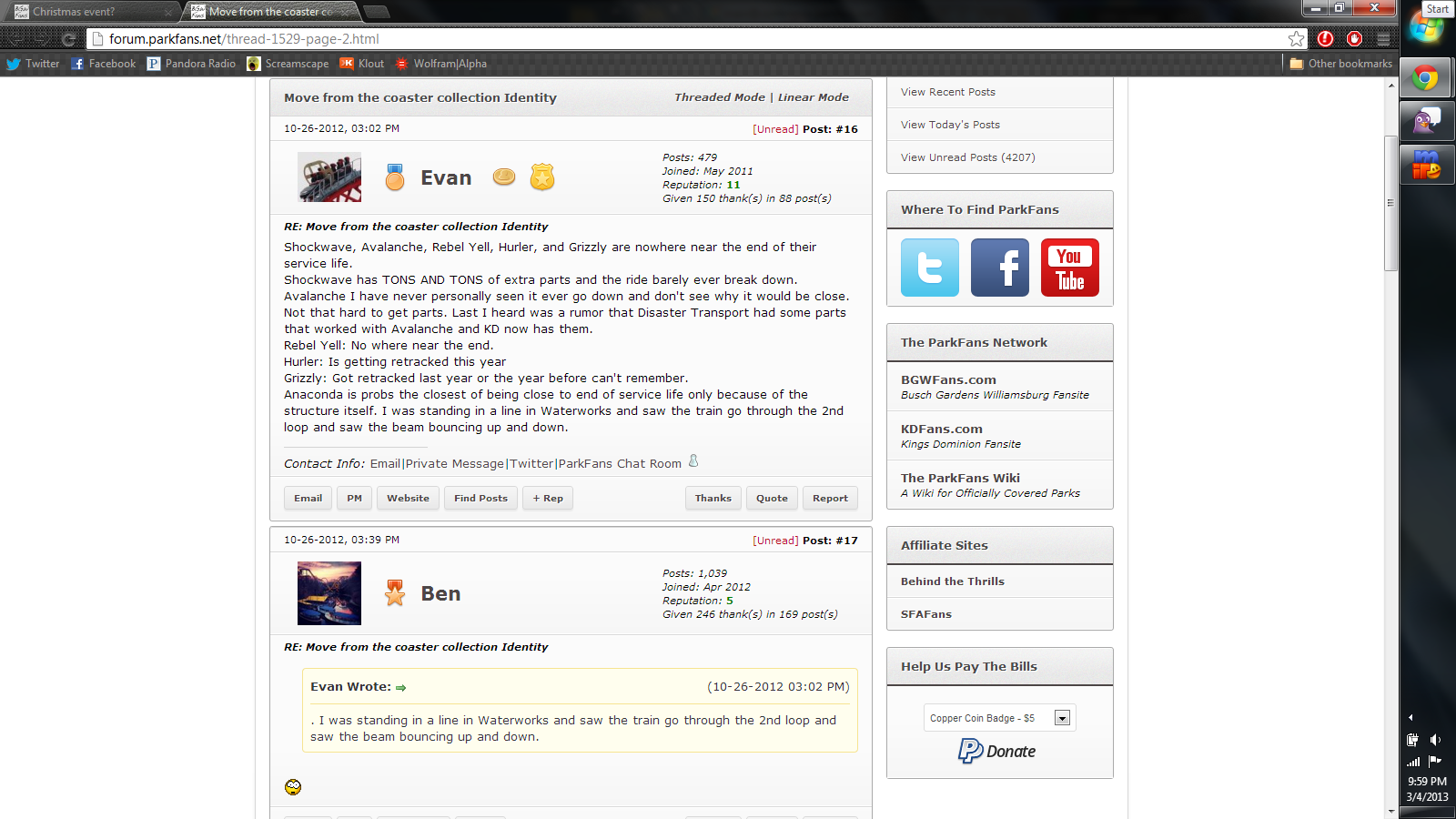
Before:
u0zE5ZC.png

After:
X1yXB2o.png

yes that date is correct.
 
Zack: I always depended on it saying what had been recently posted in to help me navigate. I feel like it helped cut down on the searching I had to do. While I know it says what sub forms have been posted in, I always appreciated knowing what forum inside that forum had been updated, instead of searching for it.

Just curious, but what sparked all the changes recently?
 
Gavin McNabb said:
I can't recreate the attachments issue, can someone post a screenshot of said issue?
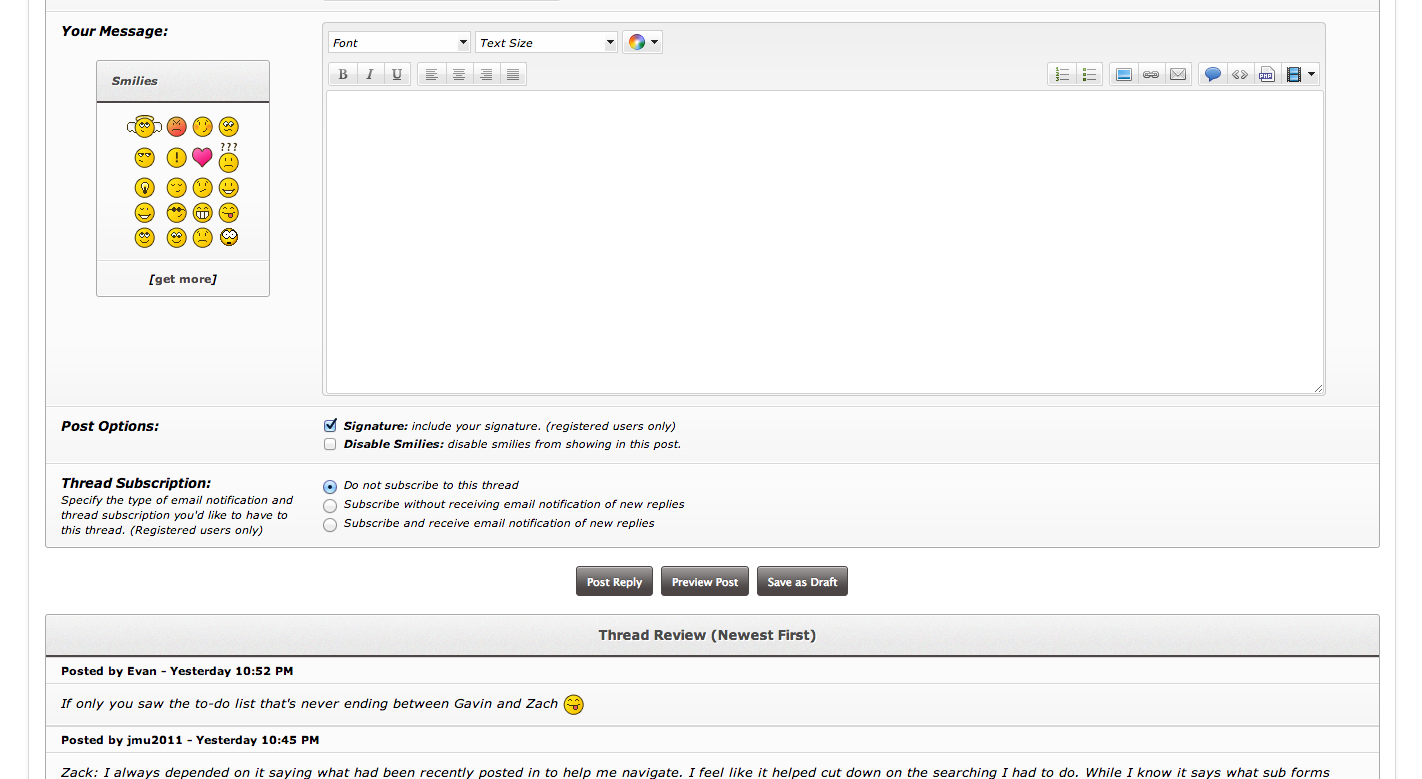
That is the problem. We can't attach photos directly from our computer. Photos must be attached through the tags if they are already posted on the internet elsewhere. I am currently trying to post a screenshot on the internet elsewhere, so I can link it here via tags to show you that the attachments section below the Post a New Reply section is not there therefore users can not upload photos straight from their computers.

KVaQxhY.png


This problem exists on Chrome, Safari, and Firefox from what I'm using and what was posted earlier above.
 
I didn't post that because of Gavin. It was mainly because Zach added a new "unread post" feature which was annoying as sin.
 
Not sure when, just know it was right when I posted in the Eagle thread about not being able to post a picture.

EDIT: I did notice however that when you Post a New Thread, you are able to use Attachments, it is just when Posting a New Reply to a thread that you can't use Attachments.

Speaking of the attachment issue, is it possible to add the Attachment feature for PM?
 
Ok, so there's been a ton of changes. I'll start from the top of the page and move down.

  • Links to officially covered park blogs are now removed from the header. You can find them in the sidebar or in the discriptions for their associated forum category.
  • "Unread Posts" link has replaced the "New Posts" link in the View menu because, well, it's more useful.
  • Last post, view count, and reply count columns have been removed from forum category views but remain on specific board pages.
  • Collapsible sidebar added (see arrow button below the Grow/Shrink button). Both sidebar state and page width settings should stick until changed.
  • Links to view new posts, today's posts, and all unread posts are now in the sidebar under Quick Links. Additionally the number after the Unread Posts link will show how many total unread posts you have. This should allow you to glance at the number to see if there are any new posts on the forums without having to scroll down the list.
  • Social networking icons for the ParkFans Network social media pages (not the park-specific ones) can be found in the forum sidebar.
  • The donate drop-down menu has been moved from near the bottom of the page to the sidebar. Additionally the ranks have been renamed to better reflect our cross-park setup.
  • Various spacing and resource issues have been fixed as well to make the new theme as consistent as possible.
  • YouTube embedding now uses a centered 16:9 player vs. the 4:3 version that was used previously.
  • And probably a bunch of other things I've forgotten...

If you have any questions, ask away. I'll try to answer you between Game of Thrones episodes. ;)
 
Gavin and I fixed (we think) a small bug which caused some instability when sending private messages and/or posting. Also, though not really a site update, the BGWFans YouTube channel is now using YouTube's beta skin. Might want to check it out if you haven't seen it. Link
 
I don't want to be that guy but the new mobile theme is bad. It's hard to tell users and posts apart. There needs to be some space between the thanks button and the next post.
 
Consider Donating to Hide This Ad